#code
How to Vibe Code: A Senior Engineer's Daily Practice
In March 2025, I joined a project with zero domain knowledge — security, fraud prevention, high-load SQL with millions of records daily. The task: build a risk engine for Shopify merchants.
Nine months later, I've shipped the risk engine, optimized databases, rebuilt the main Shopify app from scratch. My latest feature — a VPN detection dashboard with API and migrations — took a couple of days. Almost none of this code was written by me.
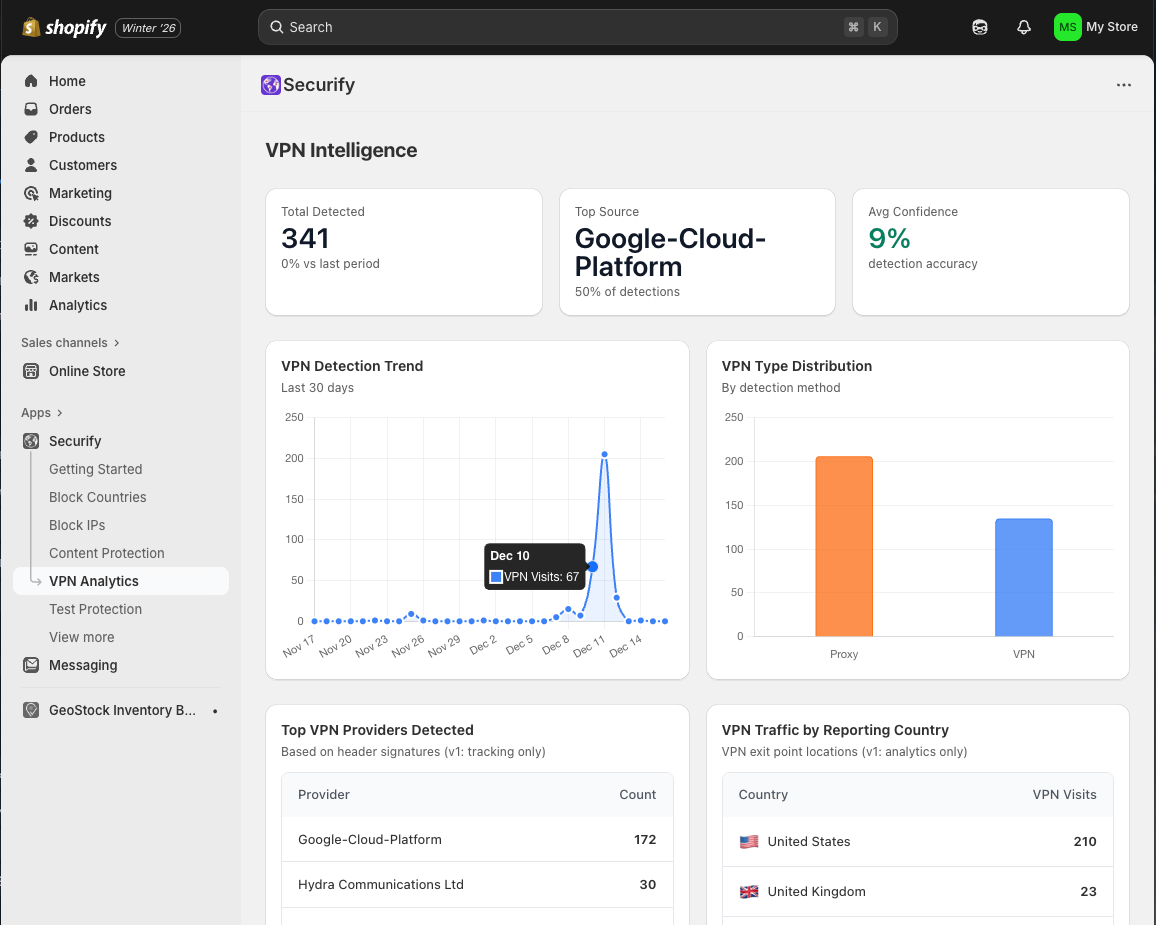
This is what vibe coding looks like when it works. Most guides miss the point — they obsess over prompts and tools. I'll tell you what actually matters and share my workflow.
- Jump to the full workflow if you want the practical stuff first.
Developers have invented great practices for writing reliable code fast. One key tool is git — GitHub as a UI for it. Think of it as Google Docs for code. If you don't know git, working with AI agents will be harder.
Git for Vibe Coders
I'm building a practical course on git and GitHub for AI-assisted development. Sign up to get notified when it launches.
What Vibe Coding Actually Is
Andrej Karpathy coined the term, but the meaning evolved. It's not about not understanding your code. It's about directing instead of typing.
Think conductor vs musician. The conductor doesn't play every instrument but understands music deeply enough to shape the performance.
That's you now. You're not writing every line, but you're responsible for every line. You catch when something feels wrong. You guide the AI toward solutions that fit your codebase.
The mental shift took me months. I kept wanting to grab the keyboard and "just fix it myself." That impulse was costing me hours. My job is to make sure the AI writes the right code.
The Setup
I use Claude Code with Max subscription. Before that, Cline. The specific tool matters less than you think.
I work across multiple projects: frontend (Remix/TypeScript/React), backend (Go), risk engine (Node). I never learned Go. My career before AI was TypeScript. Now I build production Go services confidently.
What you need from a tool: reliable primitives — read files, do research, access databases, run CLI commands without bugs. I left Cline because it couldn't reliably read files or call MCP with Gemini 2.5 Pro. Claude Code solved this.
Context Is Everything
Your AI doesn't know what it doesn't know. It will confidently hallucinate. I've watched Claude generate architectural masterpieces one minute and complete nonsense the next.
Feed it context. Before any task, make the agent look at every related file — services it calls, tests, documentation.
Point it at external systems too. Sentry for errors. Datadog for performance. Elastic for logs. I choose services by asking "do they have an MCP server?" The agent doesn't get tired. Let it do the digging.
The Daily Practice
Every task starts with a new git branch. Workflow: branch → commits → PR → Copilot review → staging QA → production.
We run a Shopify app with a free tier. One bad review costs more than QA time. Zero tolerance for production bugs.
If you don't have QA, you are QA.
TL;DR: Plan → branch → build → PR → review → verify. Ship daily.
Seniors Prepare
Junior devs rush to code.
AI agents act like juniors — they see a problem and start typing.
Make your AI prep with you.
Force planning mode before coding mode.
I create a file for every task — think, research, plan.
Prep harder and everything else gets easier. Being the vibe is exactly this mindset.
When Vibe Coding Fails
My worst failure: we needed API responses under 200ms with millions of records. I didn't understand the SQL optimization required. Let the AI lead. It suggested "quick hacks" with GIN indexes.
Three days later, our API went from 5 seconds to 30. Six times slower.
The problem wasn't the AI's suggestion — I couldn't evaluate it. I didn't have the knowledge to smell the bullshit. We lost three days because I outsourced judgment to a system that can't judge.
The more common failure: a task seems easy, couple hours. The agent works, task gets murkier, but your expectations stay stuck. You get frustrated, angry, the agent gets cautious, everything spirals.
The real warning sign: when you feel "I don't want to get involved" — that's exactly when you need to get involved.
The AI makes the same mistakes everywhere. You just can't catch them when you lack the knowledge.
When frustration builds: step back, read docs yourself, draw diagrams. I used to double down, yelling at my agent, losing control completely.
Is Vibe Coding Bad?
The criticisms are legitimate. Dependency on AI. Skill loss. Security risks.
My honest assessment after nine months: I'm becoming a better engineer, not worse.
I'm more sensitive to code smells — functions too long, confusing names, duplicated logic. This sense develops with practice.
If you don't understand something — ask the AI to explain it. Don't leave knowledge gaps. It's okay not to know quicksort for a one-off use. Not okay if you're building a business where milliseconds matter.
My deliverables are faster.
I work on multiple tasks in parallel across different codebases and languages.
What you lose: the meditative state of deep coding, muscle memory of syntax, pride of typing every character.
What you gain: leverage. Building in weeks what took months.
The trade-off is real. I don't write code like I used to. But I ship more, and it works.
The Complete Workflow (16 Steps)
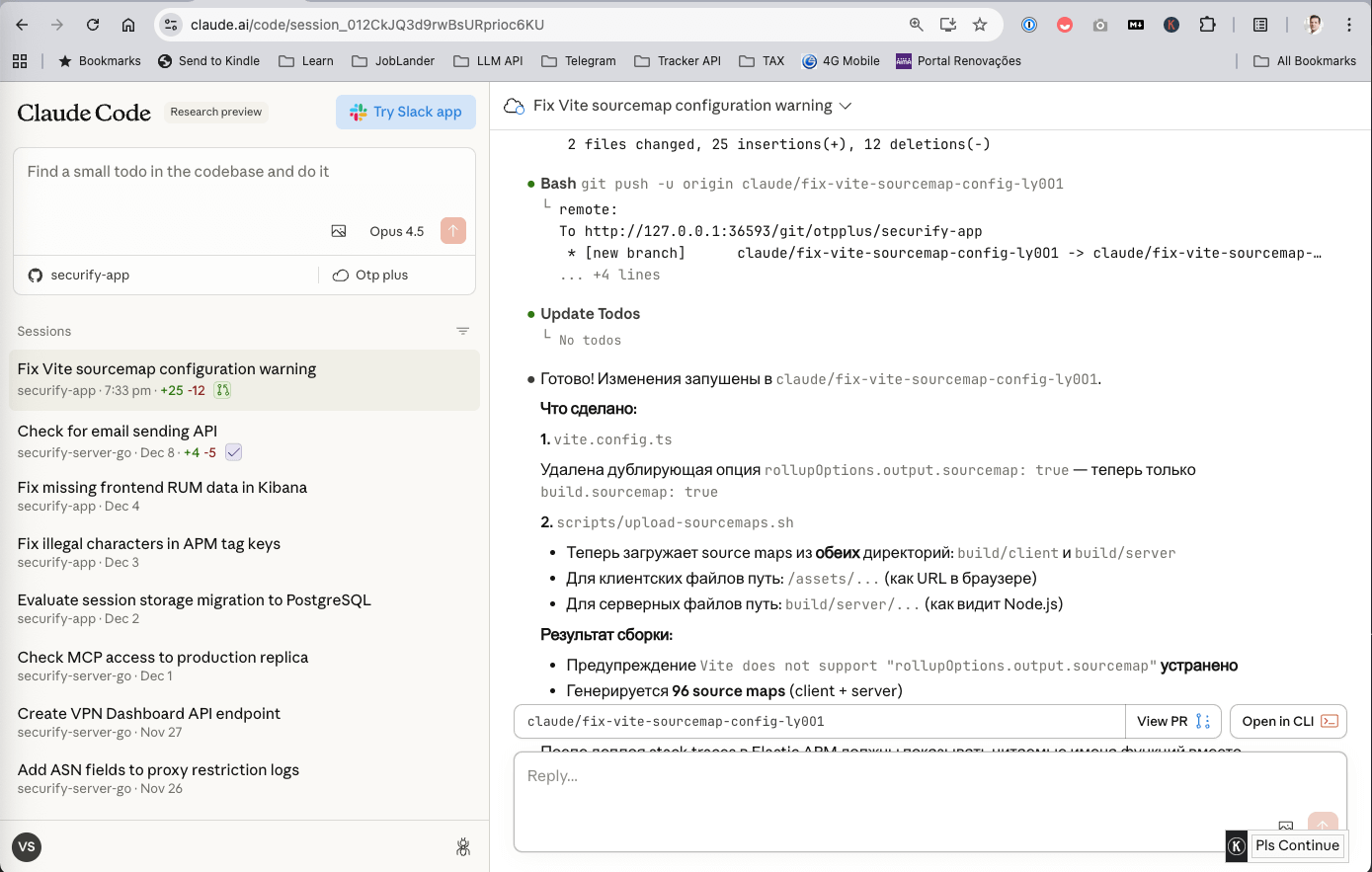
I always have 2+ Cursor windows open, switching between them when AI takes time. For smaller tasks, I use Claude Code in browser. You can use it inside Slack as well.
- Get PRD and mockups. Know what you're building.
- Break down by repo. Frontend, backend, microservices.
- Open repo in Cursor. I pay $20/month but rarely use Cursor AI.
- Start Claude Code. Each repo has
/tasksfolder with template,backlog,done. - New git branch + task file.
- Discuss with AI. Ask "questions?" — make it research first.
- Answer questions, ask for plan.
- Approve edits. Run typecheck, lint, build, fix errors.
- Switch to another task. Step 8 takes time.
- Run locally or PR previews.
- Check AI work. If satisfied: commit, push, open PR.
- Copilot review. Coworkers too if you have them.
- Get PR comments via
gh pr. Fix or reject with reason. - Repeat until Copilot happy.
- Merge, watch CI/CD.
- Verify after release. Most important step.
Release daily. Small iterations. Don't accumulate risk — ship and verify.
Never trust the agent completely. Always verify.
You're still the engineer.
That's your job.
You're the vibe.